How to add a listing on Maszbox.pl?
The whole process usually takes a few minutes. All you need is an account, a category and a location.
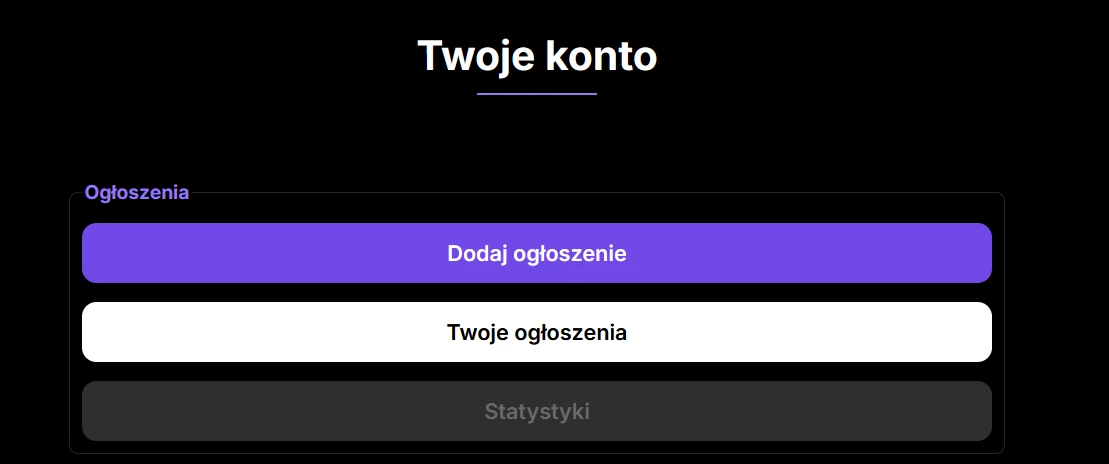
Start with an account
Register or sign in. That is the first step, and nothing works without it.
Create the listing
Pick a category, give the location and the details of the space. You can add photos later too, but listings with good photos get replies faster.
Wait for enquiries
Once it is live, people interested can call you directly.
Pick the guide for your category
Every category has slightly different form fields. Below you will find a detailed step by step guide for your type of listing.
Short-term rental
Cannot see your category on the list? The general form also handles the remaining types of space available on Maszbox.pl, and the steps are the same as in the guides above.
Questions and Answers
Usually a few minutes. You need an account, a category and a location, plus a basic description of the space.
No. Adding and publishing a listing is currently free.
No. A private account is perfectly enough. A business account adds team management and invoicing options, but it is not required.
All your listings are in the account panel. You can change the description or the photos there, or delete the listing once the space is no longer available.
Every listing has an expiry date visible in the account panel. Before it lapses, click Extend, with no need to fill in the form again.