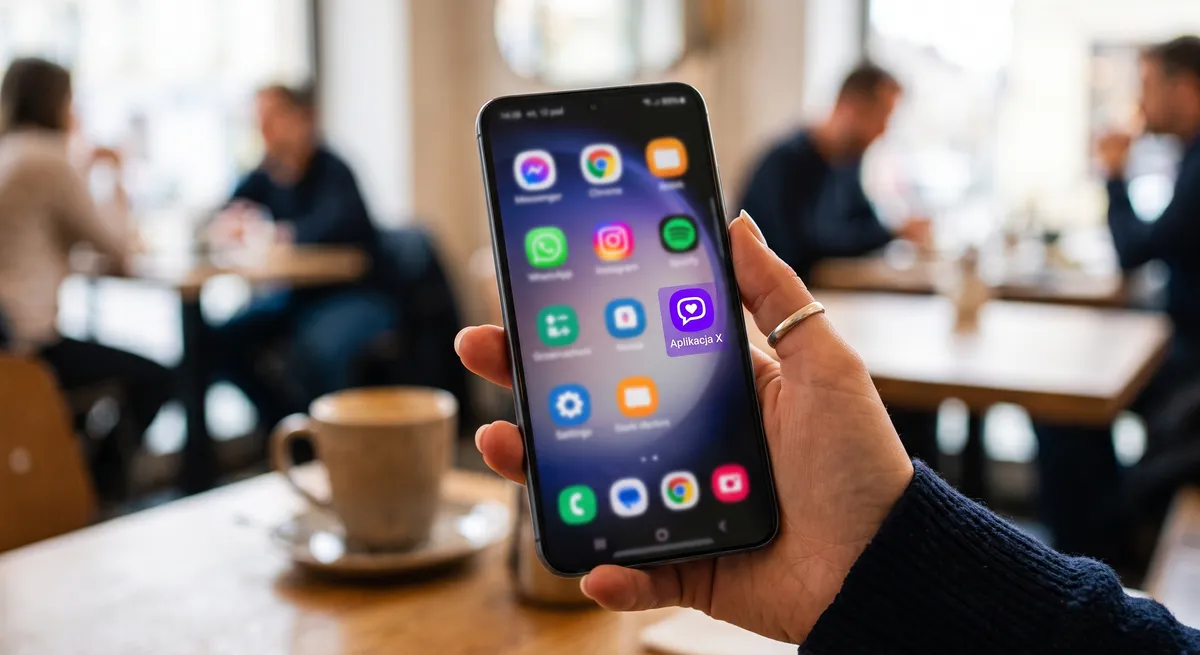
You can add Maszbox to your phone's home screen and open it with a single tap, in its own window without the browser address bar. You do not download anything from Google Play, and the whole thing takes a few seconds.
How to add Maszbox in Chrome
Step 1. Open Google Chrome
Open the Google Chrome browser on your phone. If you use a different browser, go to the “Other browsers” section below.
Step 2. Go to the Maszbox site
Type maszbox.pl into the address bar and wait until the page has fully loaded.
Step 3. Open the browser menu
Tap the three dots icon in the top right corner of the screen.
Step 4. Add Maszbox to the home screen
Choose “Add to home screen” or “Install app”. If Chrome asks what you want to do, choose “Install”, not “Create shortcut”. Only then does Maszbox open in its own window, like an app. A shortcut opens an ordinary browser tab.
Step 5. Confirm
Confirm with the “Install” or “Add” button. The Maszbox icon will appear on the home screen or in your phone's app list.
Other browsers
Samsung Internet, Firefox and Edge also let you add Maszbox to the home screen. Open maszbox.pl, go to the browser menu and look for an option with a similar name: “Add to home screen”, “Add page to… Home screen” or “Install”. The exact button names differ between browser versions.
Cannot see the option to add it?
- Update the browser in the Google Play Store. Older versions may not have this option.
- Leave incognito mode. Adding to the home screen usually does not work there.
- Wait until the page has fully loaded and open the menu again.
- Check whether Maszbox is already added. In that case the menu shows “Open in app” instead of “Install”.
How to remove Maszbox from your home screen
Press and hold the Maszbox icon on the home screen and choose “Uninstall” or “Remove”. Your Maszbox.pl account and your listings stay as they are.
Have an iPhone? See how to add Maszbox to an iPhone home screen. Once the icon is on your phone, check how to search listings or how to add a listing.

Marsel Zychowski
MaszBox Team
We share practical know-how on renting and selling space - garages, warehouses, storage units, parking spots and more.